Turn Asana tasks into calendar time
Your tasks land on your calendar as time blocks and stay in sync both ways. Plan your day around your meetings, and walk into every call with an AI brief.
- 7 days free
- No credit card
- Sign in with Google, Apple or Asana
One place for your tasks, your meetings and your day
Asana keeps what needs doing. Your calendar keeps when. We keep them in step.
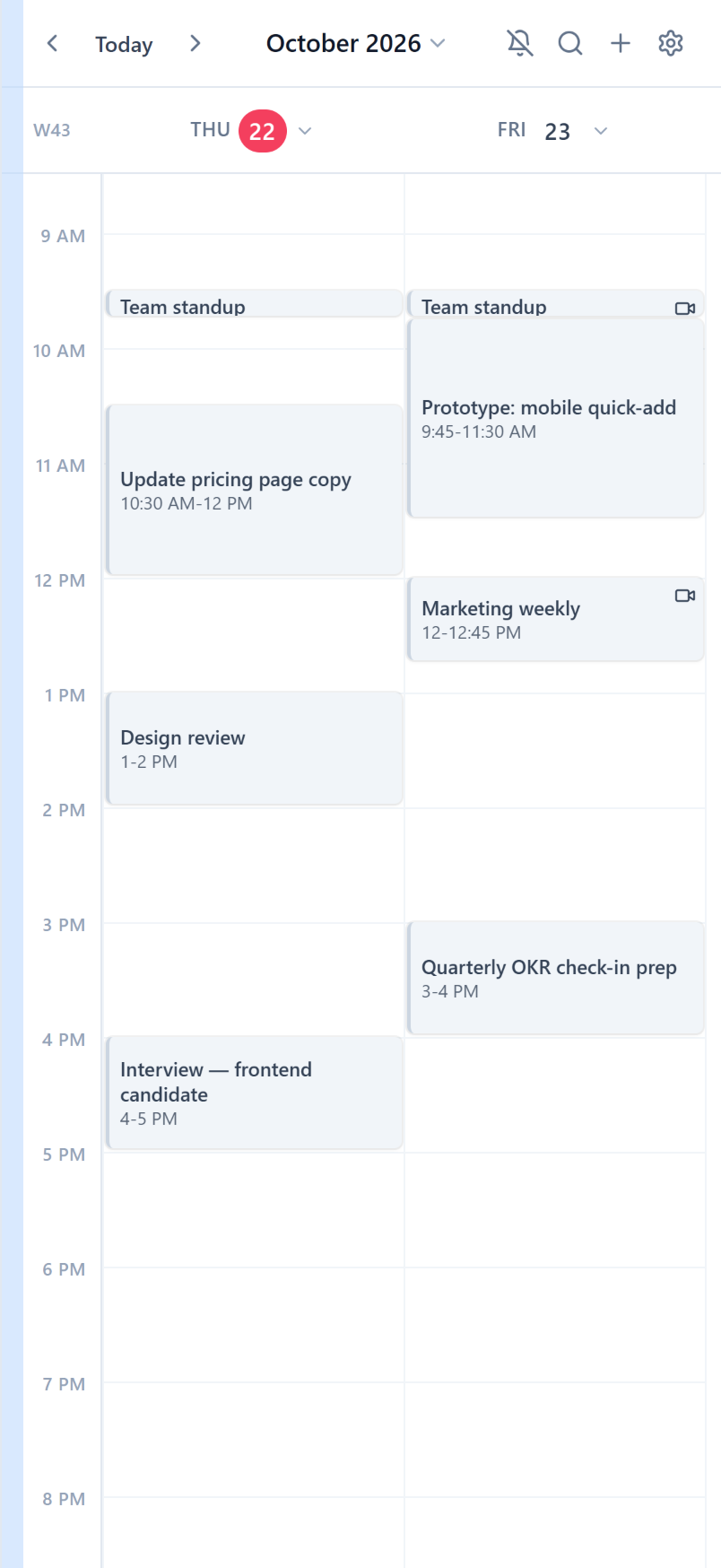
Your Asana tasks, right on your calendar
Every task with a due date becomes a block on its day. Change it on either side and the other one follows within seconds.
- Drag a block to another day and the due date moves in Asana.
- Status at a glance: ✅ done, 🔥 high priority, ❓ suggested time, ❌ overdue.
- Complete a task or change its priority right from the event.
- Meetings already on your calendar get linked to their tasks.
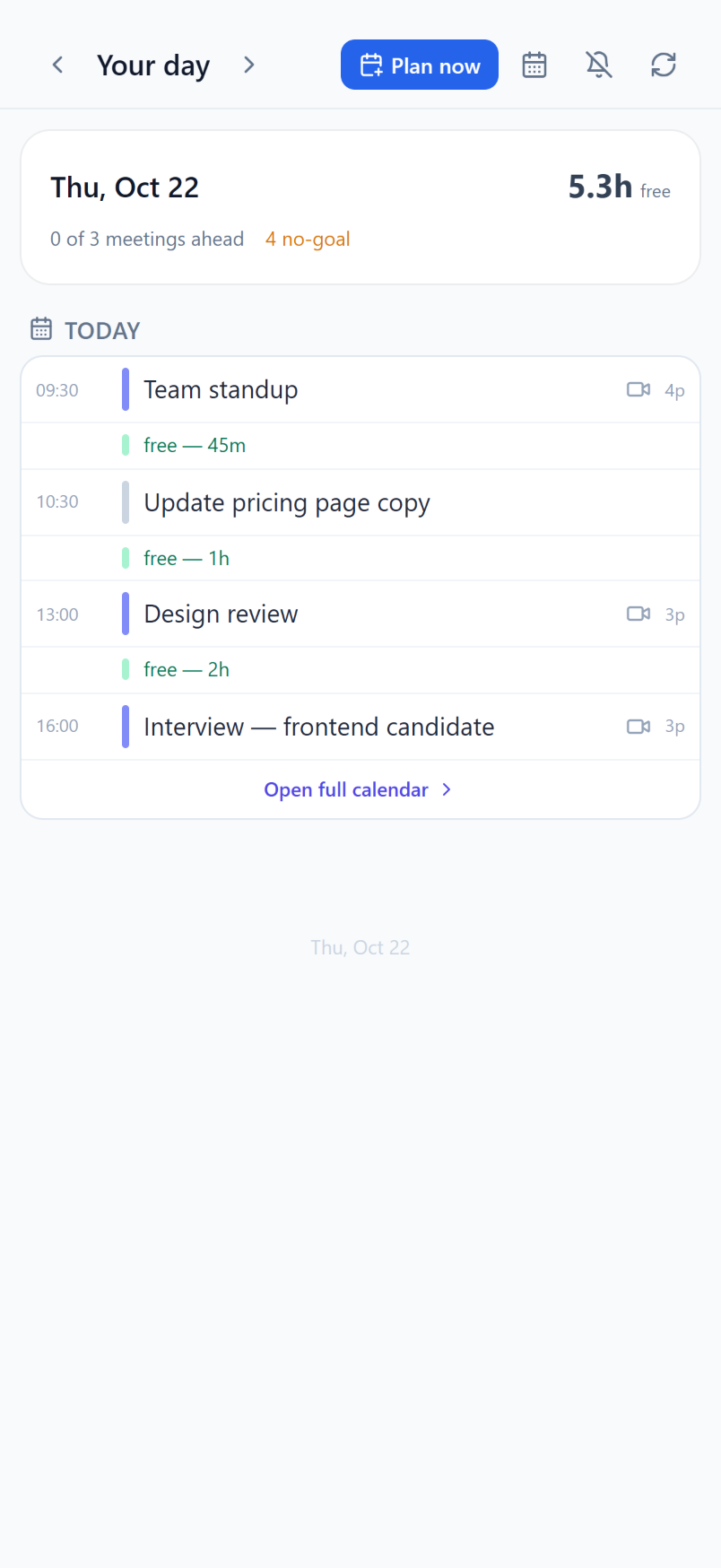
A realistic plan for today
Today's meetings and tasks on one timeline, grouped by the goals they serve, with the free gaps in between.
- Plan now fits tasks into the gaps around your meetings.
- Review suggestions first, or let tasks go straight into time slots.
- Lunch and breaks stay free.
- A morning push with your day at a glance.
Walk into every meeting prepared
Before a call you get a brief; after it, a summary with who agreed to what. Nothing falls through the cracks between meetings.
- Briefs pull in the linked task, past agreements and your own points.
- Summaries with action items and owners, from your Read.ai transcript.
- Turn an action item into an Asana task or a calendar block in one click.
- See how much of your week goes to meetings versus focused work.
Second call on the pilot. Linked task: Prepare Q4 roadmap draft.
- [James] Share the pilot pricingDONE
- [You] Send the integration checklistIN PROGRESS
- [Northwind] Confirm the rollout dateOVERDUE
- 📌 Agree on the rollout date
- Who owns onboarding on their side?
- You — send the contract draft+ Asana task
- James — book the training session+ Calendar
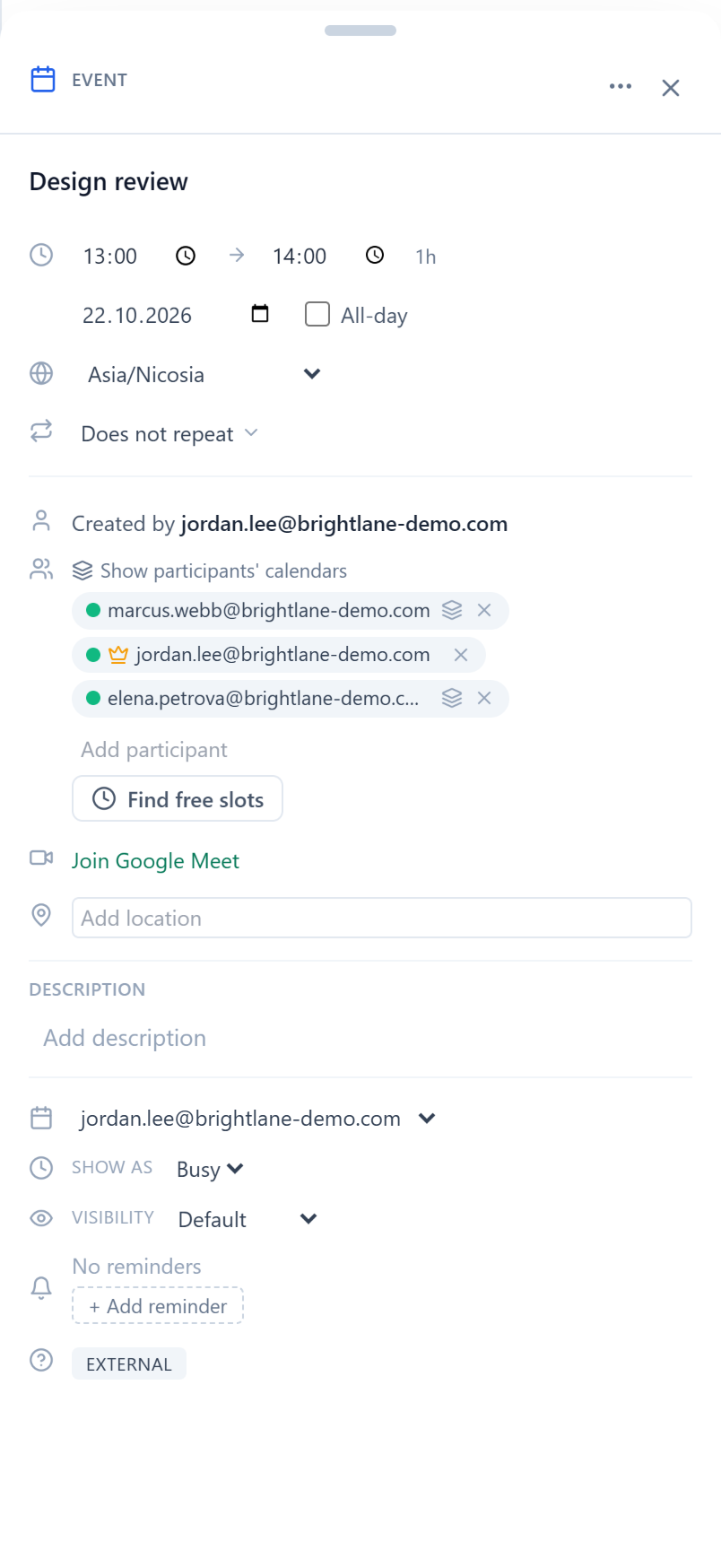
Find a time without the back-and-forth
Plan meetings inside the same calendar: see when everyone is free and settle the time in one step.
- Find free slots across all of your guests' calendars.
- See colleagues' busy time right on your grid.
- Propose a new time for someone else's meeting — they answer from the email, no account needed.
- Add Google Meet to new meetings automatically.
Never miss a meeting
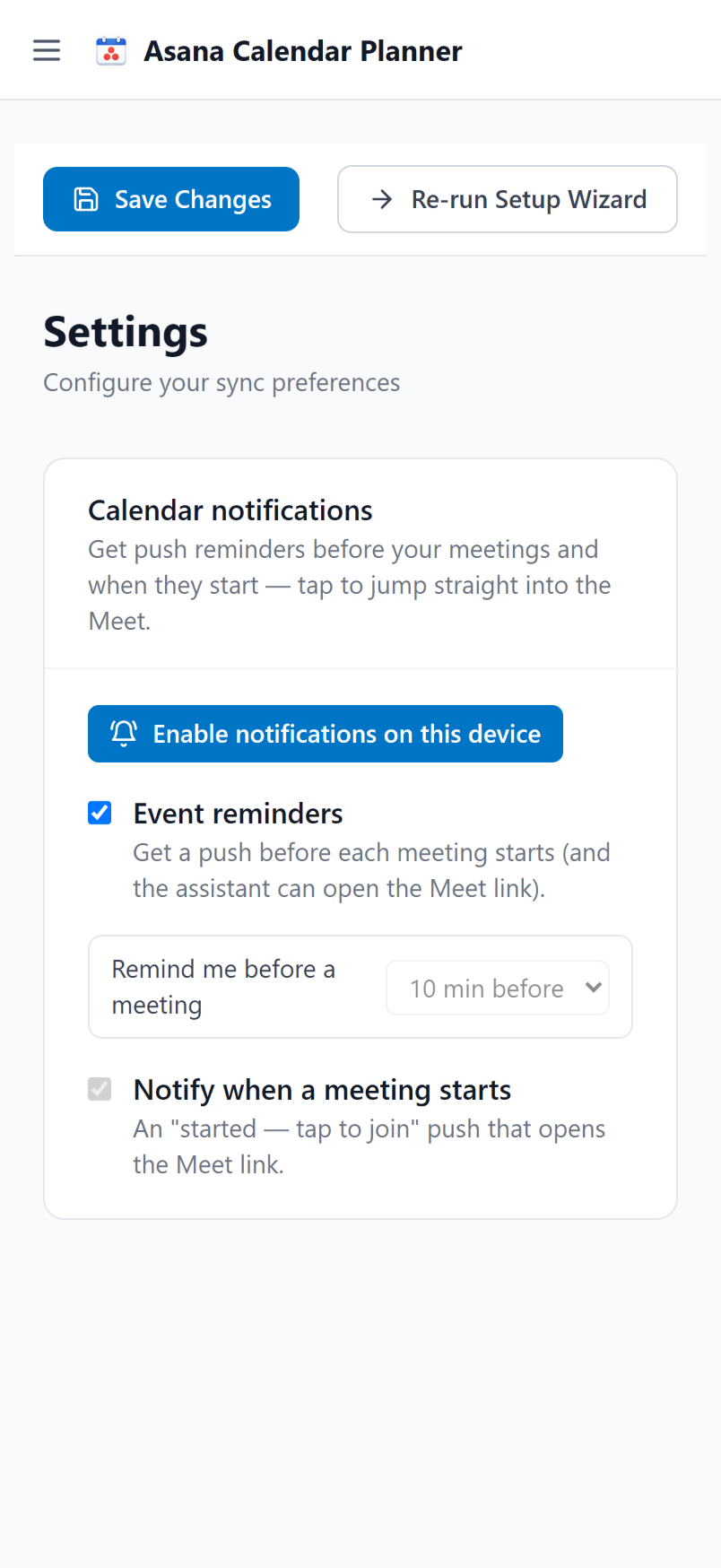
A push before every meeting, and one more when it starts, with a button that drops you straight into the call.
- Reminders 10 minutes before by default — pick any lead time.
- Tap to join Google Meet, Zoom, Microsoft Teams or Webex.
- On your phone too: add the app to your Home Screen.
And the details that make it yours
Any number of projects
Sync every active project or just the ones you pick, with filters for assignee, due date and subtasks.
Change feed with Undo
See what every sync changed, and undo a new link or block in one click.
Unlink in one click
Detach a task from an event and it stays detached — or move it to another event.
Your planning rules
Tell the planner how you like to work, in your own words.
Focus mode and colors
Color blocks by priority, or dim everything that isn't urgent today.
Bring your own AI key
On Basic, AI features run on your own OpenAI, Anthropic or Google key.
Up and running in minutes
Three steps, and your week is on the calendar.
- 1
Sign in
With Google, Apple or Asana. No credit card.
- 2
Connect your calendar and Asana
Pick the projects you want on your calendar.
- 3
Your week fills in
Tasks appear as blocks within seconds. Plan today in one tap.
You stay in control
Changes you can see
Sync and planning create and move blocks for your tasks, and add a small task link to events linked to a task. Your other events change only when you edit them.
Only your calendar
Google access covers your calendar — no Gmail, no contacts, no Drive. Your data runs the service and is never sold.
Leave anytime
Disconnect Google, Asana or Read.ai in Settings. Deleting your account deletes your data.
Simple pricing
Every plan starts with a 7-day free trial of everything, AI included. No credit card.
Basic
Two-way sync and the full calendar
- Two-way Asana ↔ Google Calendar sync
- Calendar, Your day and Find free slots
- Meeting reminders and analytics
- Unlimited tasks and projects
- AI features with your own API key
AI Pro
Most popularEverything, with AI built in
- Everything in Basic
- AI included — no API key needed
- AI day planning: suggest or schedule
- AI meeting briefs and summaries
- AI help matching tasks to meetings
Questions, answered
Sync creates blocks for your tasks (and planning moves them into time slots, if you choose that mode). On events linked to a task it adds a short task link with buttons (Complete, Priority, Brief) and a status emoji in the title. In Asana it updates due dates, completion and priority when you change them from the calendar, and posts meeting summaries only if you turn that on. Everything else changes only when you do it yourself. The change feed lists what every sync did, and a new link or block can be undone in one click.